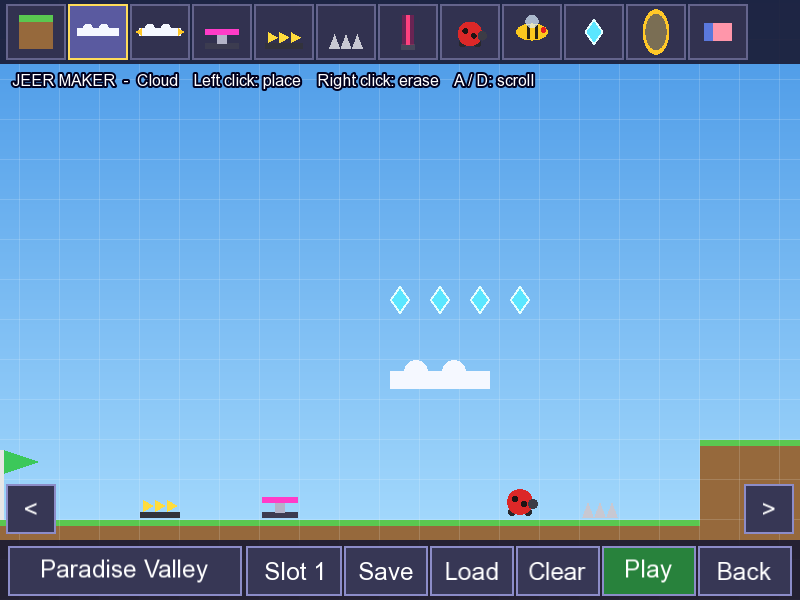
Run, jump and fly through ten zones, collect the Secret Stones, beat Lt and Tr, and unlock the Divine Form. Then build your own courses and mods.
Windows 10 or 11 (64-bit) · Android 8 or newer (64-bit phones) · iPhone and iPad in Safari, or any computer browser · Free
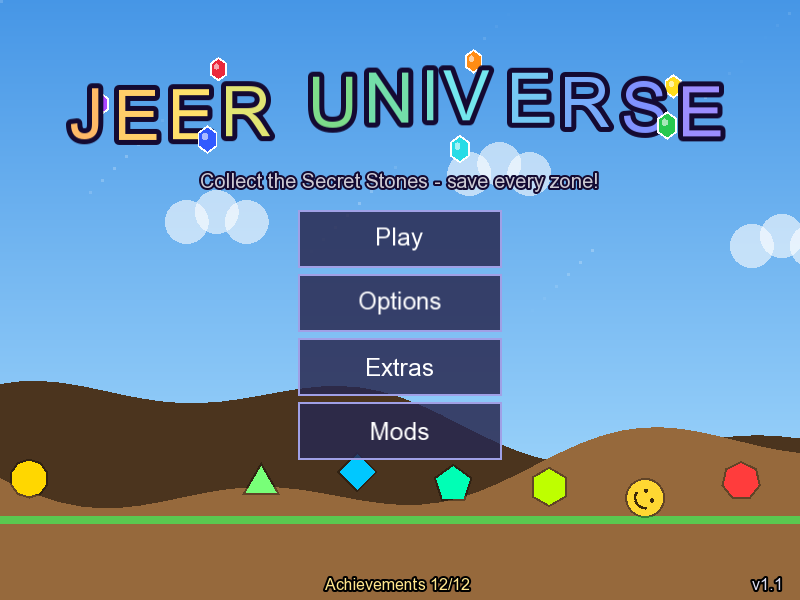
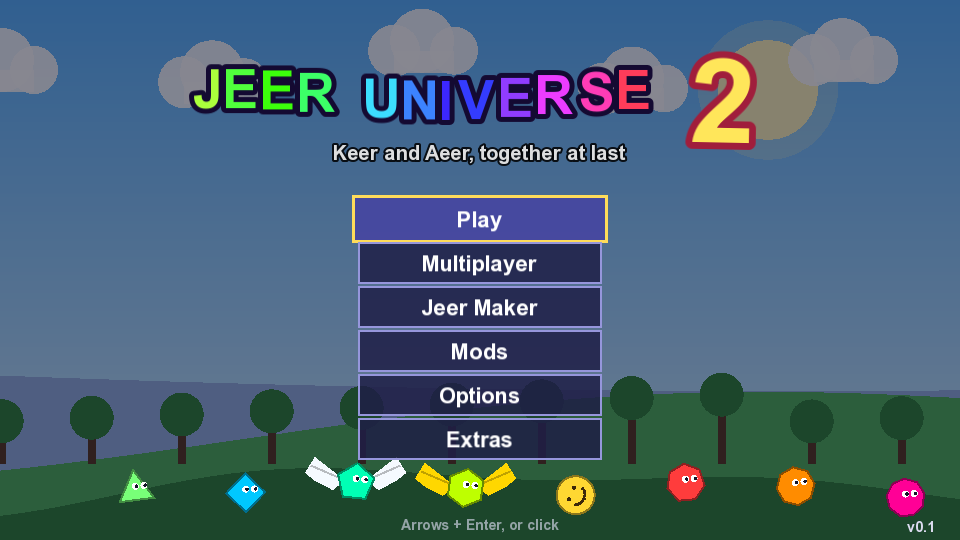
JeerUniverse 2
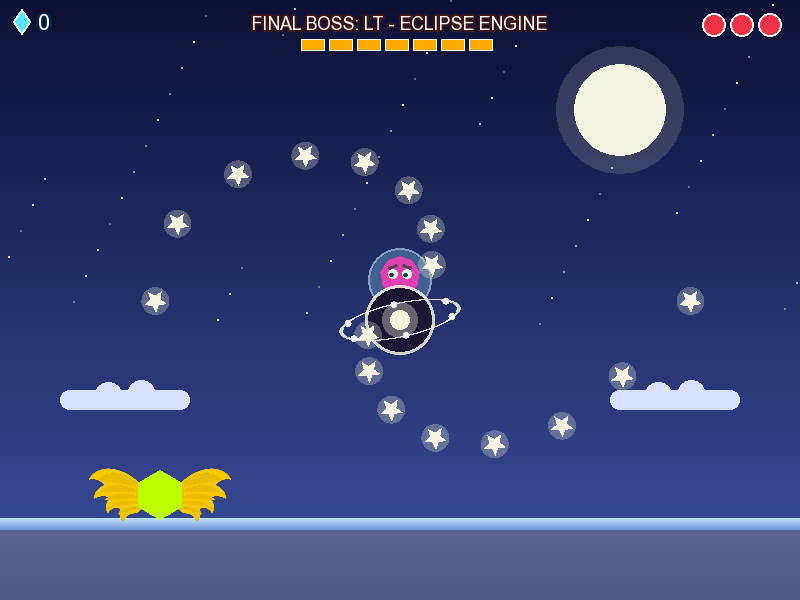
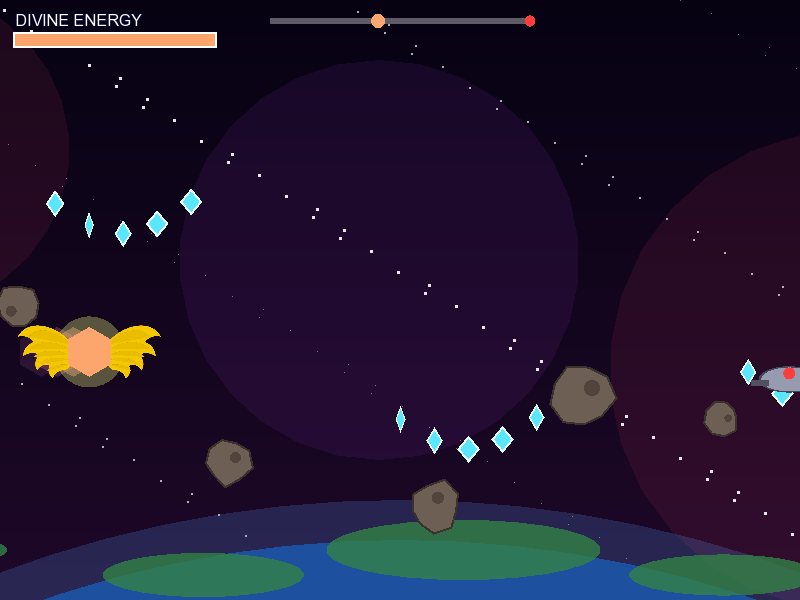
After the Doomsday Zone, the stolen Divine power cracked the universe open and woke Reej: the first word, spoken backwards. Keer and Aeer have to team up for the first time to say it again.
v0.1 · 25 October 2026 · Windows 10 or 11 (64-bit) · Android 8 or newer (64-bit phones) · iPhone and iPad in Safari · Free
Every hero plays differently
- Sl · Spin Dash: rev up and blast off
- Fr · Glide through the air
- Tr · Flap your wings
- Ktr · Big golden flaps
- Mahmoud · Always rolling; slam down and bounce
- Sr · Homing Attack, chain from enemy to enemy
- Pr · Flame Dash; fire can't hurt Pr
- Lt · Builds a spring under himself, even in mid-air
- aLt · Blink straight through enemies
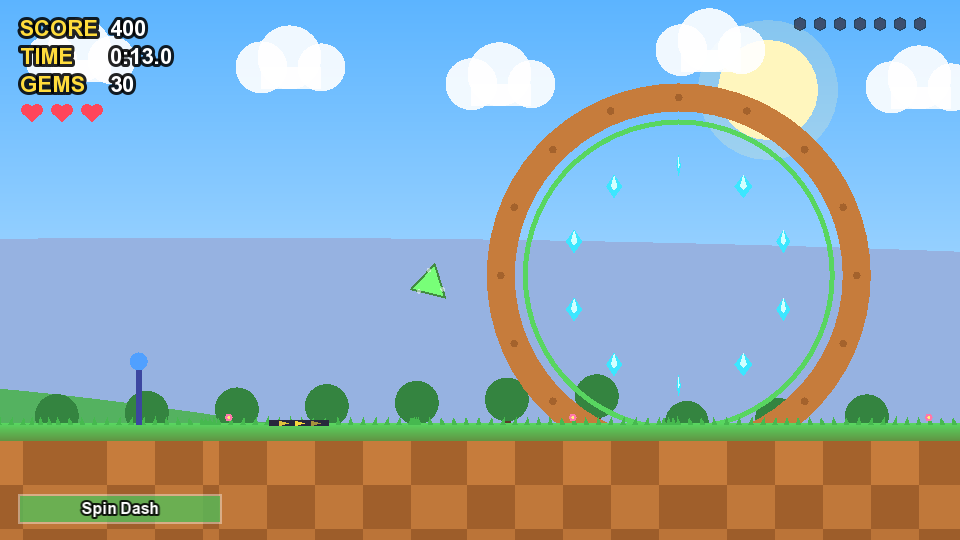
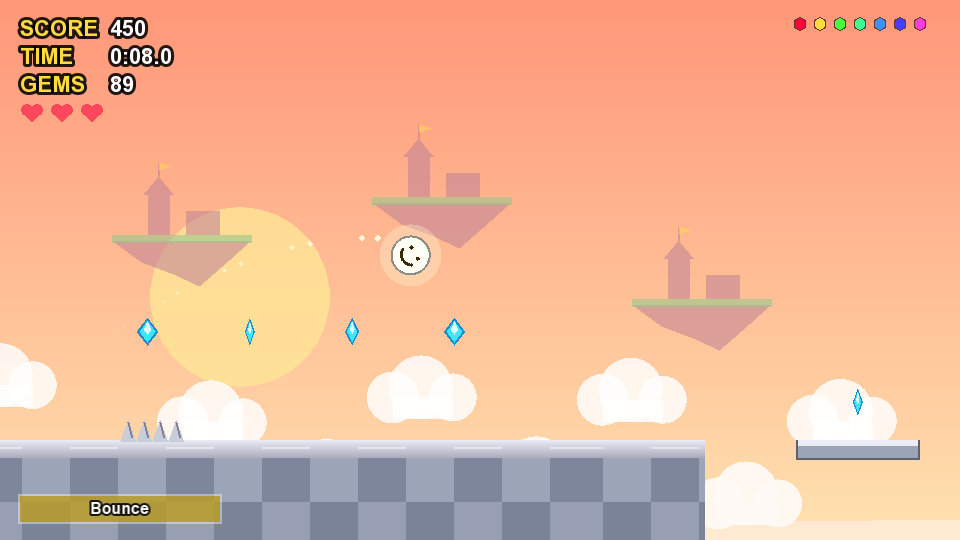
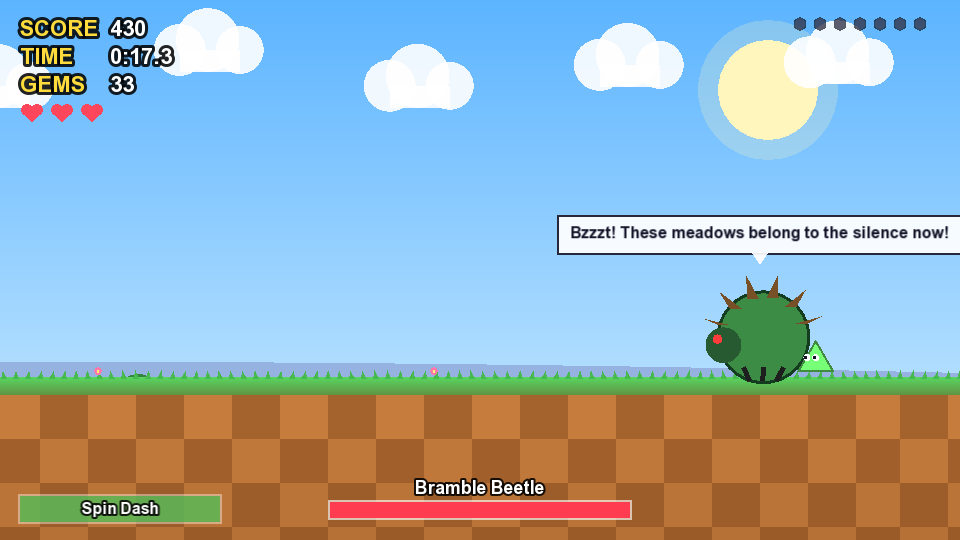
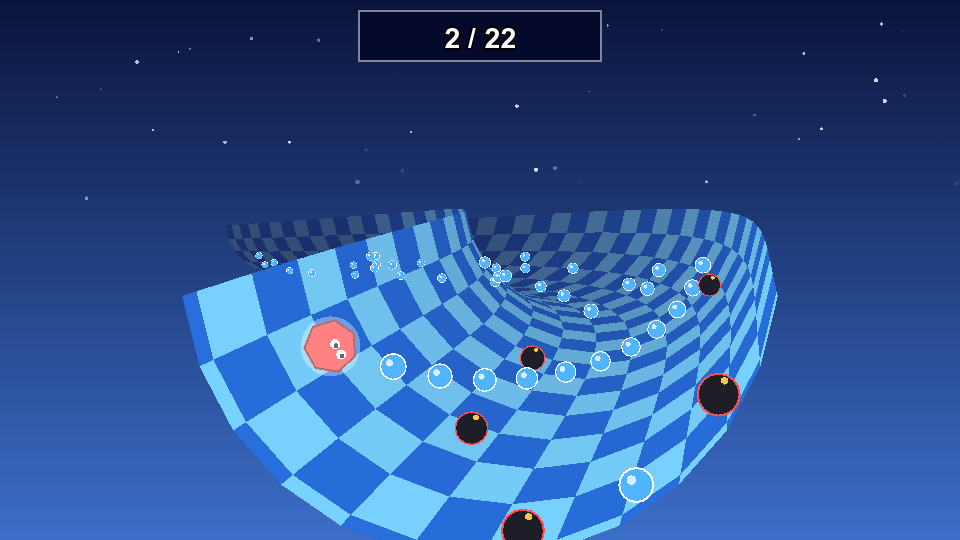
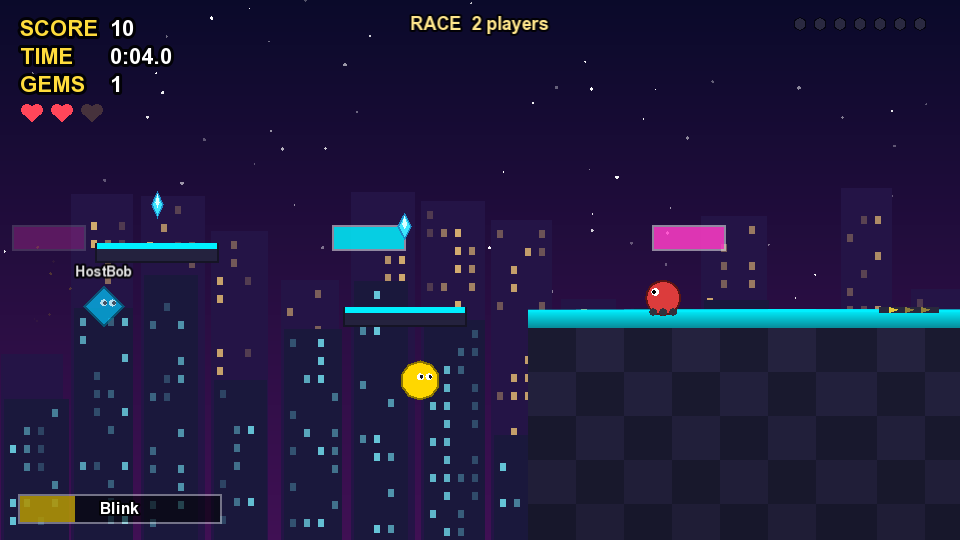
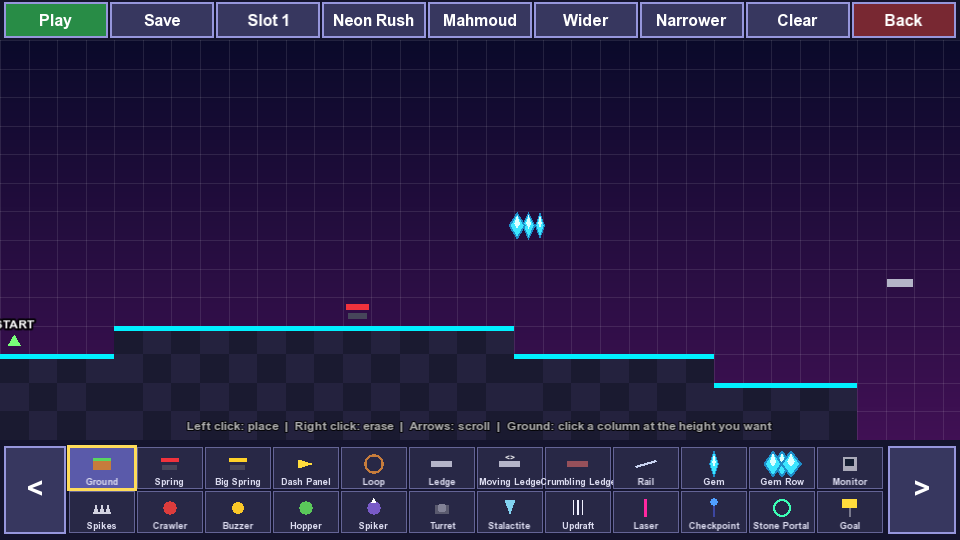
Mods work in JeerUniverse 2 too, including the ones made for the first game. There's also a debug mode: turn it on in Options, start a No Save game, and press B in a level to fly around and place things.
The first game
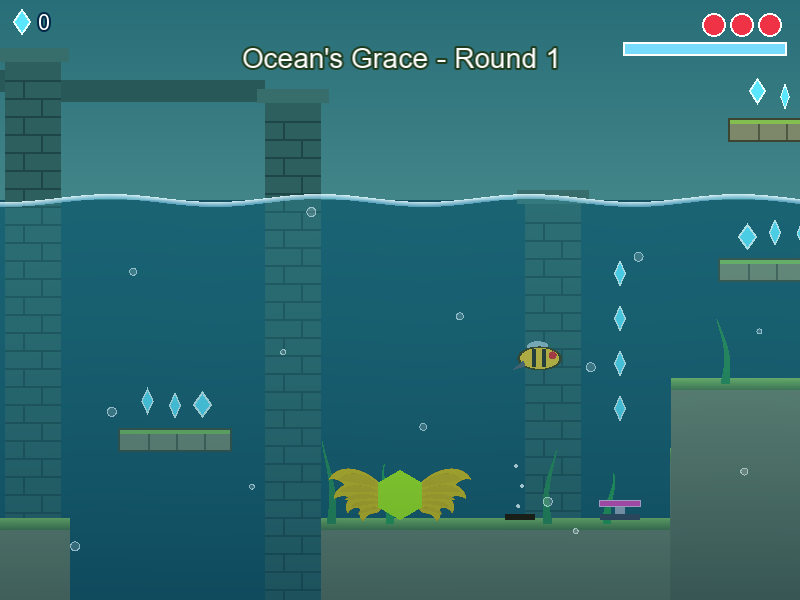
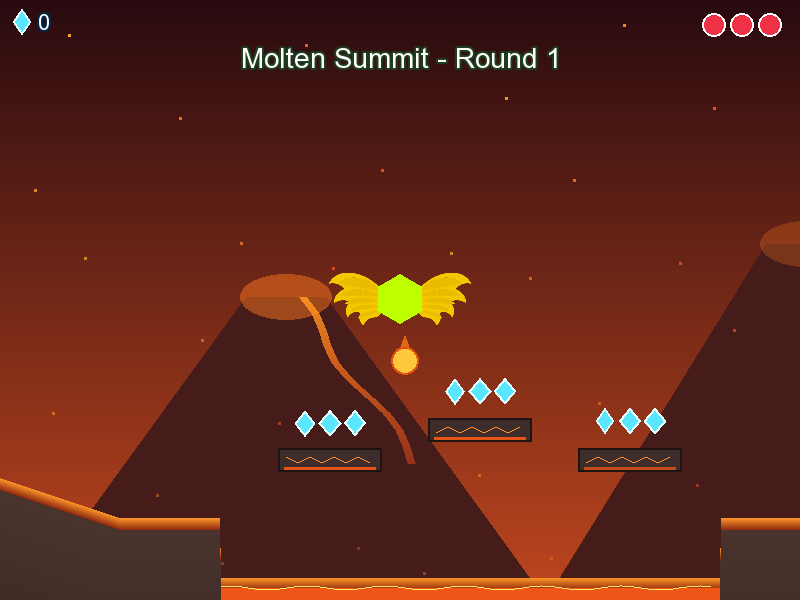
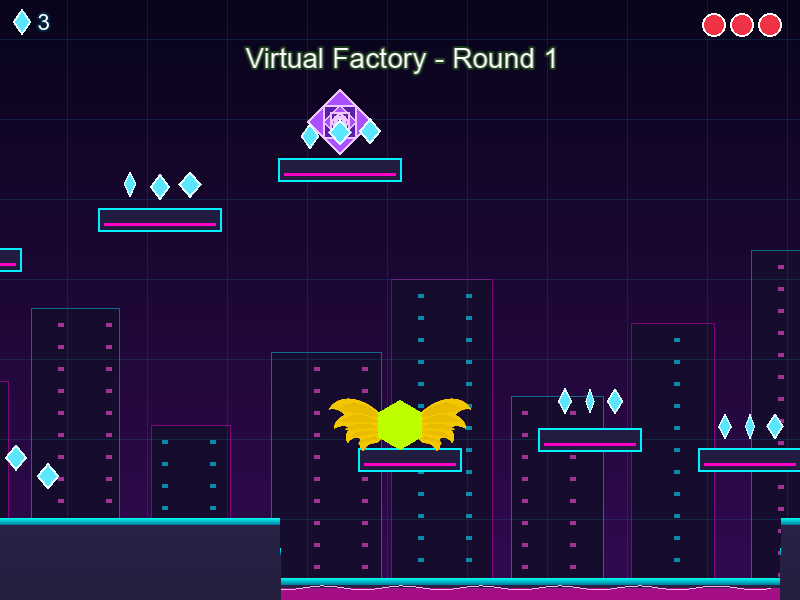
Pick a side, Keer or Aeer, and race through their five zones. Every zone has its own look, music, hazards, a mini boss and a boss. Find the Special Zones to earn the Secret Stones, and awaken the Divine Stones for the secret ending.
How to install
Your saves carry over when you update: install a new version over the old one.
Windows
- Download the Windows zip.
- Right-click it and choose Extract All.
- Open the
Releasefolder and double-clickJeerUniverse.exe.
JeerUniverse 2: extract the zip the same way and double-click JeerUniverse2.exe (it's right inside, no Release folder). When you host a multiplayer lobby, Windows asks about the firewall: click Allow.
Android
- Open this page on your phone and download the Android apk.
- Open the downloaded file.
- If your phone asks, allow Install unknown apps for your browser, then tap Install.
iPhone and iPad
- Open this page in Safari and tap Play on iPhone or iPad (or the JeerUniverse 2 one).
- Tap the Share button, then Add to Home Screen.
- Open the game from its new icon: it runs full screen, turned sideways.
All versions
The newest is at the top. Older versions are here if you want to see how the game grew.
Mods
Change gravity, play as a robot, add your own music, or code new rules with JeerScript. In the game, open Mods on the title screen and press Get Mods. Mods work in v0.13 and newer, and in JeerUniverse 2.